Username
Password
Remember Me
Log in
Forgot your password?
Forgot your username?
Forgot your username?
How to install Magento Template |
 |
 |
 |
| Written by ITORIS Team, 2010-12-22 |
|
This guide will help you install a new theme on Magento website. ContentsHow To Install Magento Template1st Technique.2nd Technique.
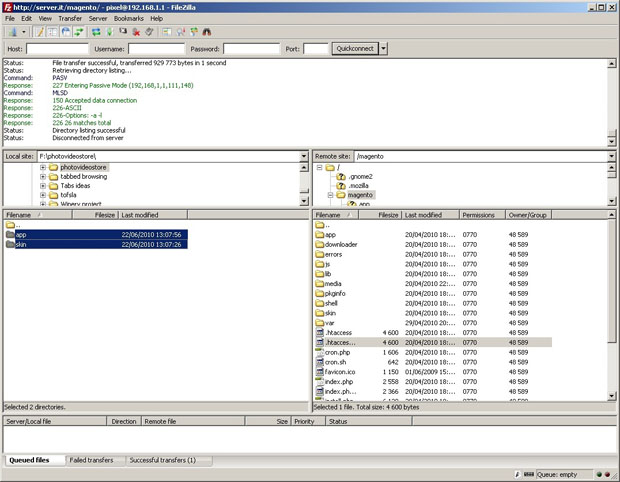
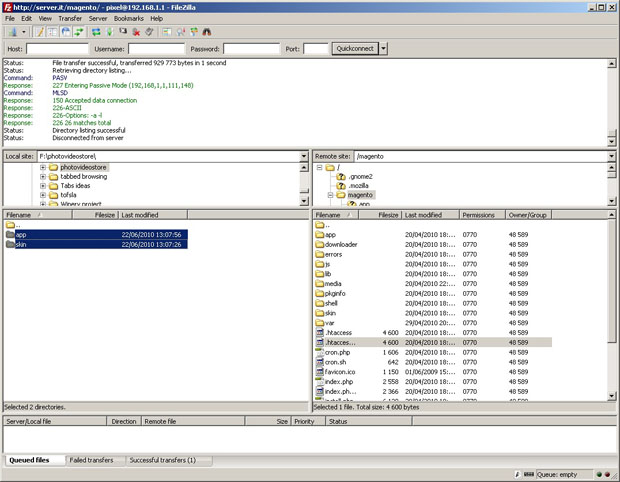
1st Technique1. Copy the template archive content (‘app’ and ‘skin’ folders) into the Magento root directory. Make sure you copy them into the root — this is where Magento index.php resides.
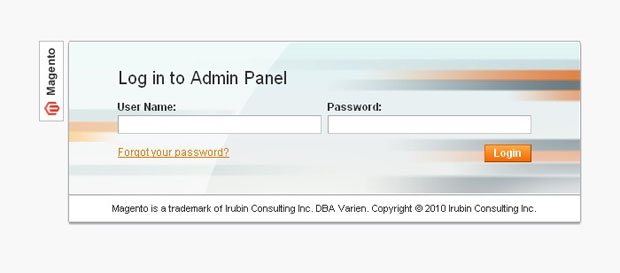
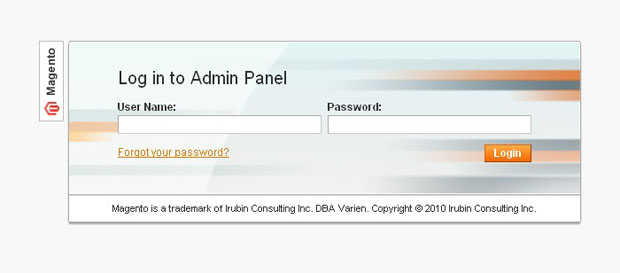
2. Login to Magento admin area
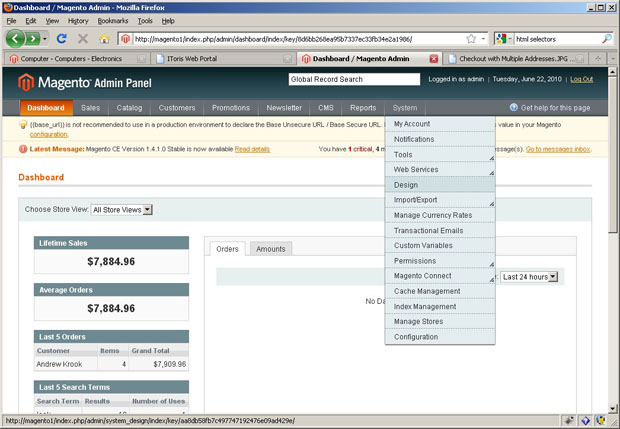
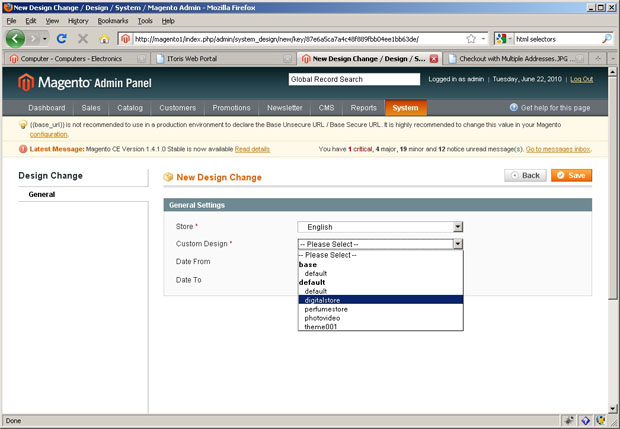
3. Open the admin panel and choose "System" => "Design".
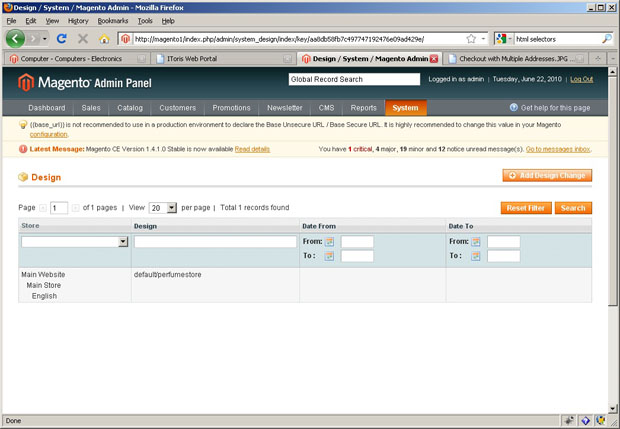
4. Press "Add design change".
5. Choose the template name you installed from the “Custom Design” dropdown.
6. Press "Save".
2nd Technique1. Copy the template archive content (‘app’ and ‘skin’ folders) into the Magento root directory. Make sure you copy them into the root — this is where Magento index.php resides.
2. Login to Magento admin area
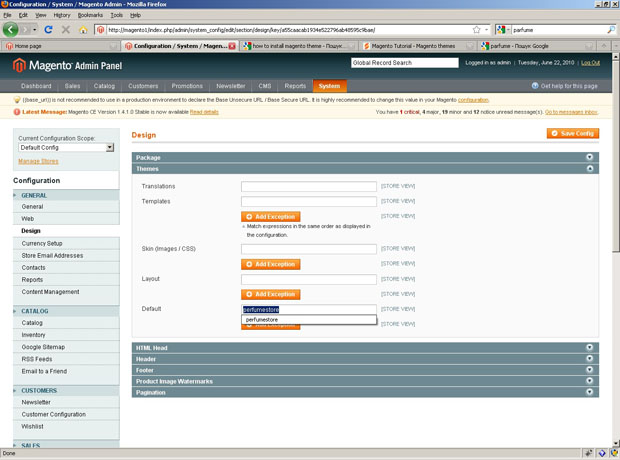
3. Open “System” => “Configuration” => “Design” => “Themes” 4. Type your theme name into “Default” field.
5. Press “Save Config”.
Download this document as PDF: How to install Magento Template.pdf (713 KB) |
| Last Updated on 2016-10-07 |